 The Viewing Room
The moment they see their photos on their own wall
The Viewing Room is the app I use for my own viewing and ordering appointments. It turns a gallery into a gentle, emotional reveal, then lets your clients choose wall art in the frames you actually sell, hung to the inch on their wall.
Coming soon · No subscription · Works in your web browser
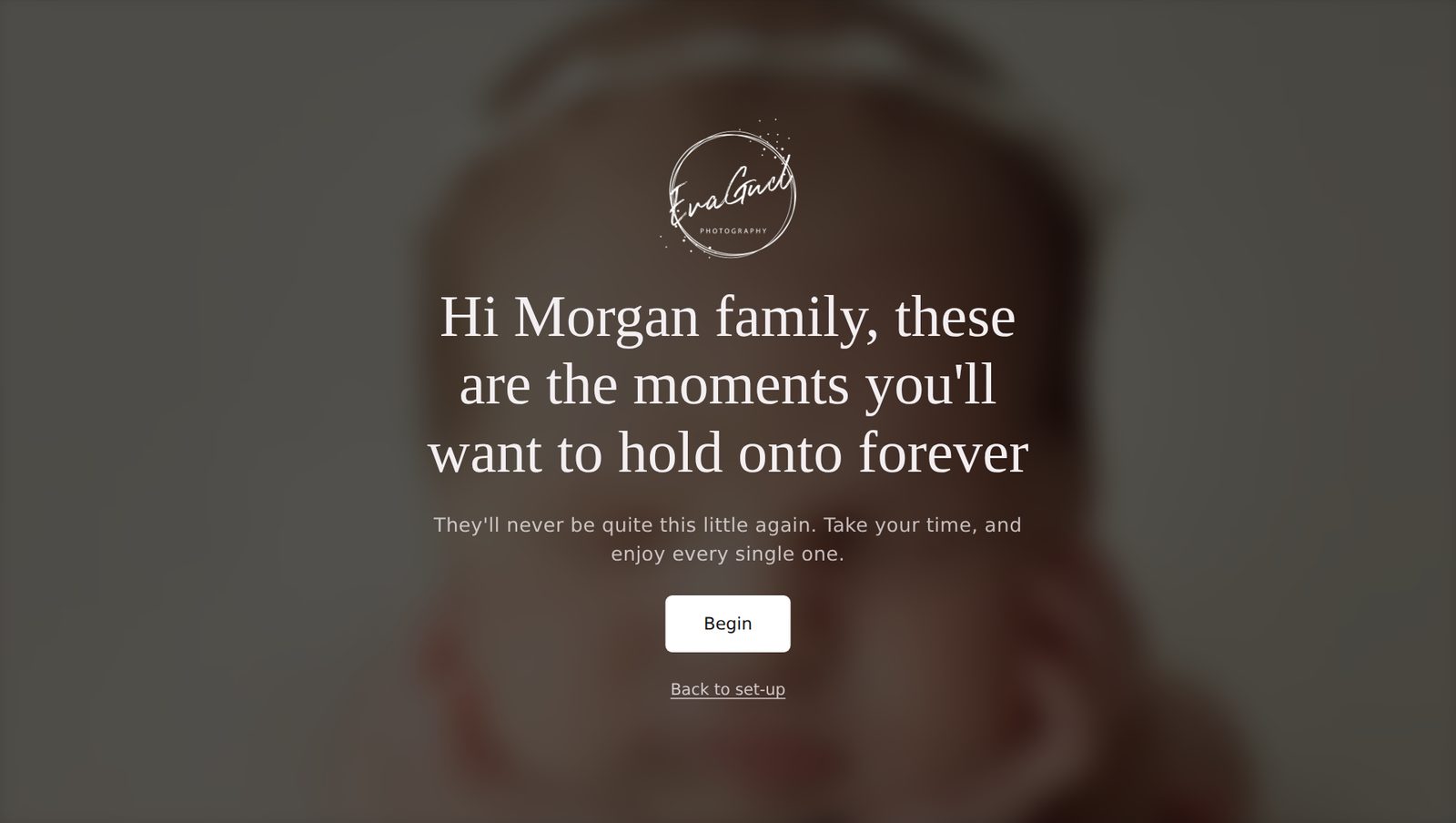
The first thing your clients see: their name, your logo, their story.

I built this for my own viewing appointments
Anyone who photographs newborns and families knows the feeling. The viewing appointment is full of happy tears, and then the order is the digital files. Not because the family didn’t want something beautiful on their wall, but because a price list can’t show them what a 24 × 20″ frame looks like above their sofa.
So I made something for my own studio. It starts with the reveal: their name on the screen, music, and their photos filling the room. Then we choose favourites together, hang them on their wall in the frames I actually sell, and talk through the investment calmly, with monthly options right there on the screen.
I’d love to share it with photographers who care about printed portraits as much as I do.
Eva
EvaGud Photography · Photographer of the Year · Child Photographer of the Year
Five moments, one relaxed hour
This is how a viewing appointment runs in The Viewing Room, from the kettle going on to the order being saved.
Set the scene
Add their edited gallery, choose a song and pick the words that welcome them. It all stays ready on your laptop until they arrive.
“Hi Morgan family, these are the moments you’ll want to hold onto forever.”
The reveal
Lights down, music on. A slow slideshow of their photos, one at a time, with room to pause, go back, and simply enjoy them.
Choosing favourites
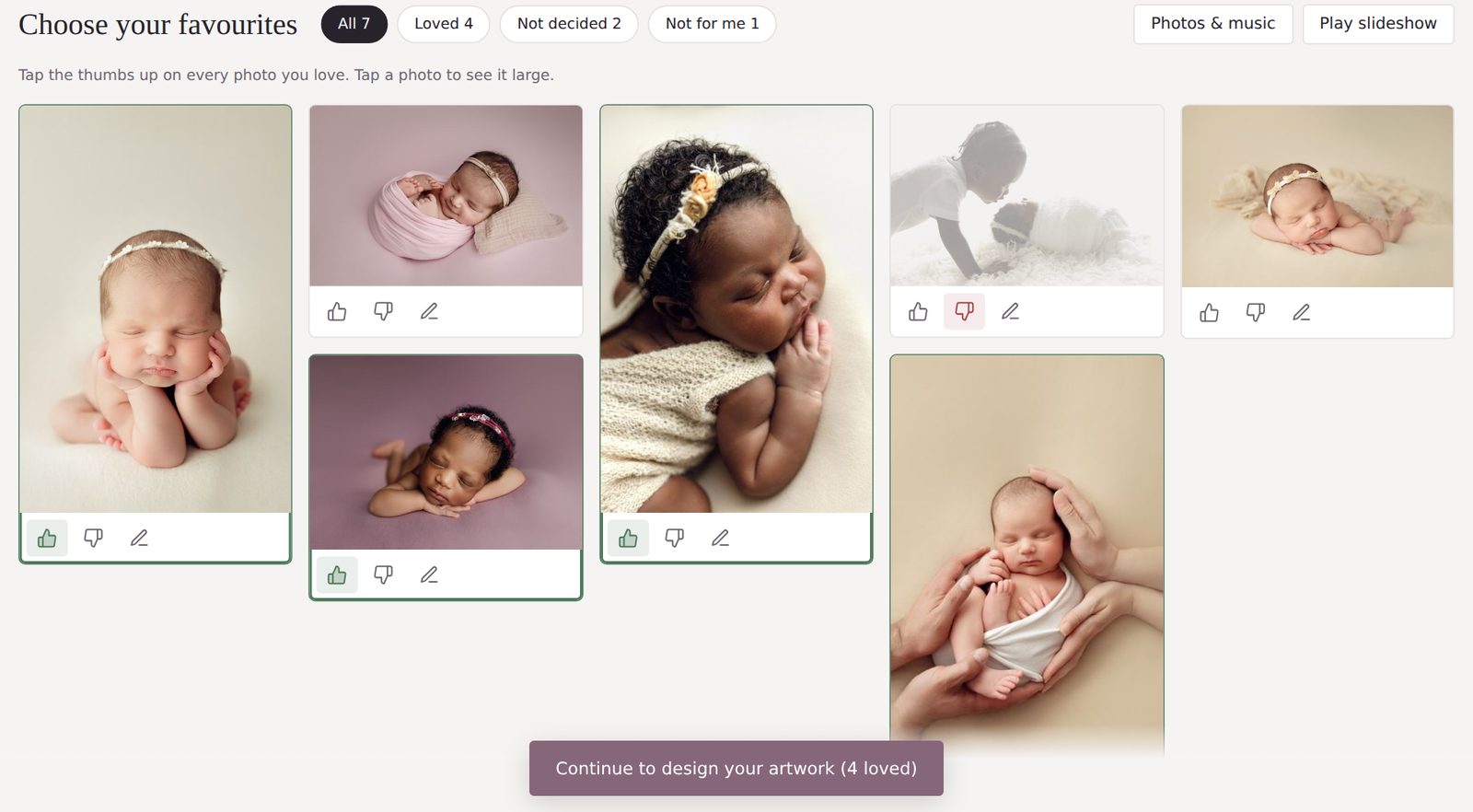
They tap a thumbs up on the photos they love and add little notes as they go. The grid makes narrowing down feel easy, not like a test.
- Loved, not decided, not for me
- Notes on any photo, such as “black and white please”
On their wall
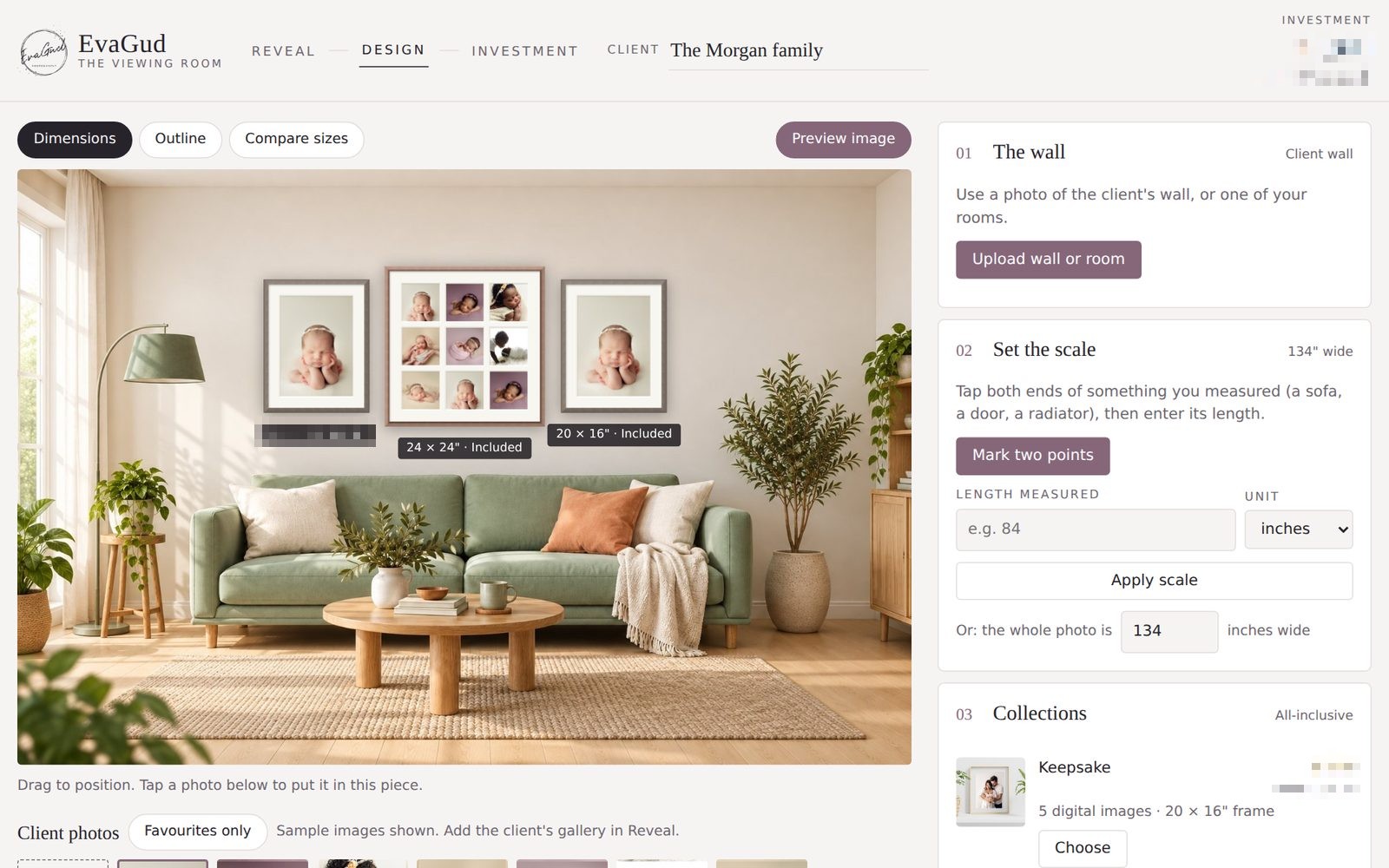
Their favourites go into your frames at the real size, on a ready-made room or a photo of the client’s own room. Try the 24 × 20″ and then the 34 × 24″, side by side.
- Snap the client’s own wall and hang everything in their real home
- Your mouldings, mounts and layouts
- Collections hang themselves; upgrades show the difference
Their investment
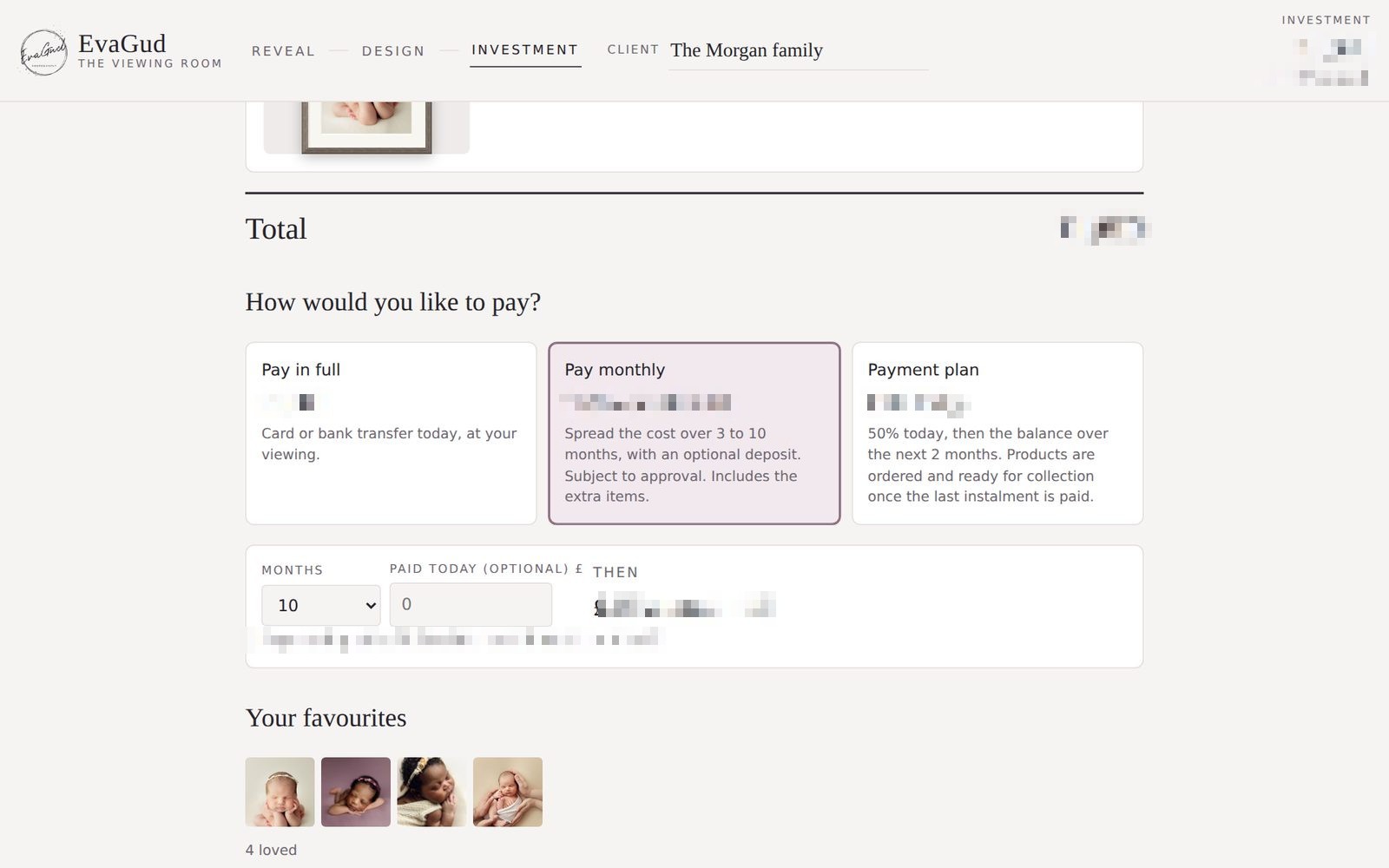
A clear summary with their finished wall at the top. Pay in full, a deposit plan, or monthly over 3 to 10 months: they can see every option before deciding.
- Your own questions: sharing, gifts, delivery, reviews
- Confirm, and the whole order is saved
A price list says 24 × 20″. A wall says yes.
Most families underestimate how small a print looks once it’s on the wall. Showing the real size, in their room, is what makes the bigger piece feel right.
Use one of the ready-made rooms, or take a photo of the client’s own wall and see everything hung to scale in their real home.
Tap a size to see it change, above a 7-foot sofa.
Exactly the way you sell them
Your sizes, your prices and your frame colours. Nothing generic, nothing you’d have to explain away.
Single aperture frames
Each size with its real print and mount.
Multi aperture frames
Nine-photo grids, feature layouts and panoramics.
Canvas
Wrapped edge or floated in a tray frame.
Acrylic
Frameless or in a slim wooden box frame.
Orbs & circular frames
Round acrylic, or a circle in a thick mount.
Gallery walls
Mix sizes and products into one wall design.
Collections
Packages with choices and upgrades.
Digitals & albums
Bundles, albums, keepsake boxes and add-ons.
Be the first to know
I’m getting The Viewing Room ready for other photographers. Leave your details and you’ll hear about it first, before it’s available to anyone else.
- First to hear when it’s ready
- An early-bird offer, just for people on the list
- A peek behind the scenes as it comes together
- A direct line to me for ideas and requests
No subscription and nothing to pay. Just be the first to know.
I’ll only email you about The Viewing Room.
Prefer email? hello@evagudphotography.co.uk
Things photographers ask
What do I need to run it?
A laptop and a web browser. For appointments, most photographers connect to a TV or a large monitor.
Can I add my own frames and prices?
Yes. All the major UK labs are being added before launch, so you’ll just pick your lab and its sizes, frames and mounts will be ready to go. Then set your own prices and collections, or add anything custom.
Can I show the client’s own wall?
Yes. Use a photo of their wall, mark something you know the size of, like the sofa, and everything hangs at the real size. You can also save your own room photos to reuse.
Is it only for in-person appointments?
It’s designed for in-person viewing appointments first. A version clients can open at home is something I’m planning. Tell me if you’d use it.
When will it be ready?
I’m putting the finishing touches to it now. Join the list and you’ll hear first, before it’s available to anyone else.
Every family deserves to see their story on their walls
Give your clients an appointment they’ll remember, and portraits they’ll live with every day.
Be the first to know
Recent Comments